





Why Does the Laser Chiller Alarm Keep Appearing?
Problems with a laser chiller alarm are among the most common troubles met when running a laser cutter.
If the alarm keeps coming back, it usually means something is out of order in the cooling circuit, and that can weaken the laser's performance or even harm key parts. In this article I go through the main reasons a chiller alarm repeats and give practical steps to track the trouble down and clear it fast. If you understand these warning signs and work through a methodical check, you can cut downtime, look after the laser source, and keep the machine running dependably.
Why the Laser Chiller Counts
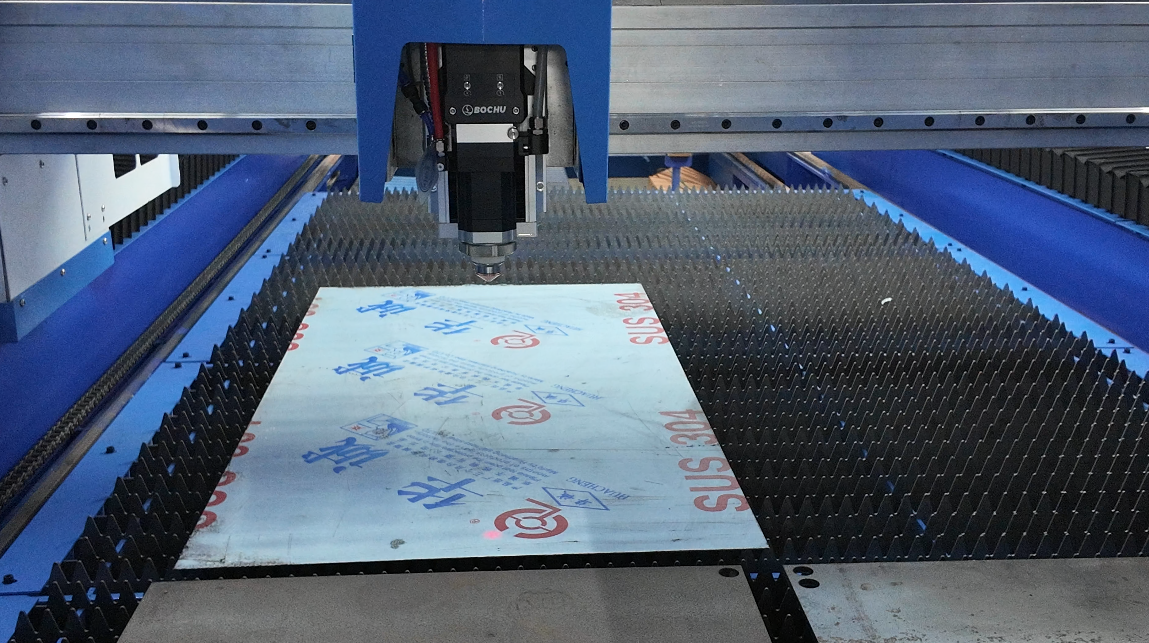
Before we look for the fault, I always remind operators that the chiller is what holds the laser source and the optical parts at a steady working temperature.
With no proper cooling, the laser system can run into:
- Cutting performance falling off
- Laser output that is not steady
- The machine shutting down over and over
- The laser source wearing out sooner
- Permanent harm to delicate parts
When the chiller alarm fires again and again, it must never be brushed aside.
What Normally Sets Off a Chiller Alarm
The Water Level Running Low
One of the most frequent reasons the chiller sounds off is a low water level inside the cooling system.
Over time water can evaporate or seep out through fittings and hoses. Once the level falls below the lowest mark, the chiller trips its alarm by itself.
Things to look for:
- The tank clearly sitting low on water
- Cooling that has weakened
- Water level warning codes on the screen
Water That Has Gotten Too Hot
Water running too warm can also set the alarm off time and again.
Reasons that often lie behind it:
- Condenser fins that are dirty
- Poor airflow around the chiller
- The room being too warm
- The laser system being pushed too hard
If the cooling cannot match the heat the laser throws off, the alarm goes off to shield the equipment.
Water Flow That Is Blocked
A cooling circuit that is restricted stops enough water from moving around.
Common causes:
- Filters that are clogged
- Pipes that are fouled
- Hoses that are kinked
- Trouble with the pump
Weak water flow often brings swings in temperature and alarm messages that will not stop.
The Water Pump Giving Out
The circulation pump is what pushes coolant around the whole system.
When the pump wears out or breaks, cooling efficiency drops sharply.
Signs you may notice:
- The pump making odd noise
- Water barely moving
- Flow alarm notices
- Coolant temperature climbing
A Dirty Heat Exchanger or Condenser
Dust piled on the condenser stops heat from getting away well.
This is seen a lot in metal shops, where dust, smoke, and fine particles fill the air.
A dirty condenser makes the chiller work harder and often brings on high-temperature alarms.
Sensors or Electrical Parts That Have Failed
At times the cooling system is running fine, but a sensor that is off is raising false alarms.
Electrical trouble can be:
- Temperature sensors that are faulty
- Wiring that has come loose
- Control boards that are damaged
- Communication errors between the laser and the chiller
Working Through a Chiller Alarm Step by Step
Step 1: Read the Alarm Code
I always begin by taking note of the exact alarm code shown on the chiller display.
Different codes point to different faults, such as:
- High temperature
- Low temperature
- Low water level
- Flow failure
- Sensor trouble
Look in the chiller manual to find out what the code really means.
Step 2: Look at the Water Level
Open the reservoir window and check that the coolant sits inside the recommended range.
If you need to:
- Top up with approved coolant or distilled water
- Hunt for any visible leak
- Tighten fittings that have loosened
Step 3: Confirm the Water Flow
Go over every hose, filter, and circulation line.
Make sure:
- The filters are clean
- No hose is blocked
- The flow stays steady
- The pump is working normally
Step 4: Clean the Condenser
Check the condenser and the cooling fins for a build-up of dust.
Use:
- Compressed air
- Soft brushes
- A vacuum
Regular cleaning lifts cooling efficiency by a clear amount.
Step 5: Take the Ambient Temperature
The chiller needs plenty of airflow to do its job.
Make sure:
- The vents stay open
- The workshop heat stays inside the listed limits
- Heat-producing gear is not parked right next to the chiller
Step 6: Check the Sensors and Wiring
If you cannot find a mechanical fault, look at:
- The temperature sensors
- The flow sensors
- The control wiring
- The communication cables
Swap out any part that has gone bad.
Maintenance Tips That Keep Chiller Alarms Away
Change the Coolant on Schedule
Old coolant can pick up dirt and lose its cooling power.
I advise changing the coolant the way the maker's maintenance plan says.
Clean the Filters Often
Dirty filters choke the water flow and raise the pressure in the system.
Cleaning them on a regular basis keeps things running steady.
Inspect the Hoses and Connections
Check for:
- Cracks
- Leaks
- Fittings that are loose
- Wear that is starting
Catching these early stops surprises later on.
Keep the Workspace Clean
Keeping dust away from the chiller helps heat escape and stretches the life of the equipment.
Frequently Asked Questions
Why does my Laser Chiller Alarm keep appearing even after resetting it?
Resetting only clears the warning for a moment. If the real fault, such as weak water flow, high temperature, or a failing sensor, is still there, the alarm will simply come back.
Can a Laser Chiller Alarm damage my laser source?
The alarm itself does no harm. But leaving it alone can let overheating or poor cooling ruin the laser source and the optical parts.
How often should I clean the laser chiller condenser?
In most sheet metal shops I suggest checking and cleaning the condenser once a month. Dusty workplaces may need it done more often.
Conclusion
An alarm that keeps returning is usually a clear sign the cooling system needs some attention. A low water level, blocked flow, a dirty condenser, a failing pump, high room heat, and bad sensors are among the most common reasons. Follow a methodical troubleshooting path and keep up preventive maintenance, and you can find the fault quickly and get dependable cooling back.
Good chiller care does more than quiet the alarms; it also protects the laser source, steadies the cutting, and lengthens the life of the equipment. If you need more technical help, feel free to contact the JUGAO support team for expert guidance and troubleshooting help.

