





Troubleshooting Guide for JUGAO E21 Hydraulic Press Brake Malfunctions
Troubleshooting Steps for JUGAO E21 Hydraulic Press Brake
If you’re struggling with malfunctions on your JUGAO E21 hydraulic press brake, you’re far from the only one. This guide will walk you through practical, actionable solutions to restore the machine’s peak performance and cut down on unplanned downtime for your sheet metal processing workflows.
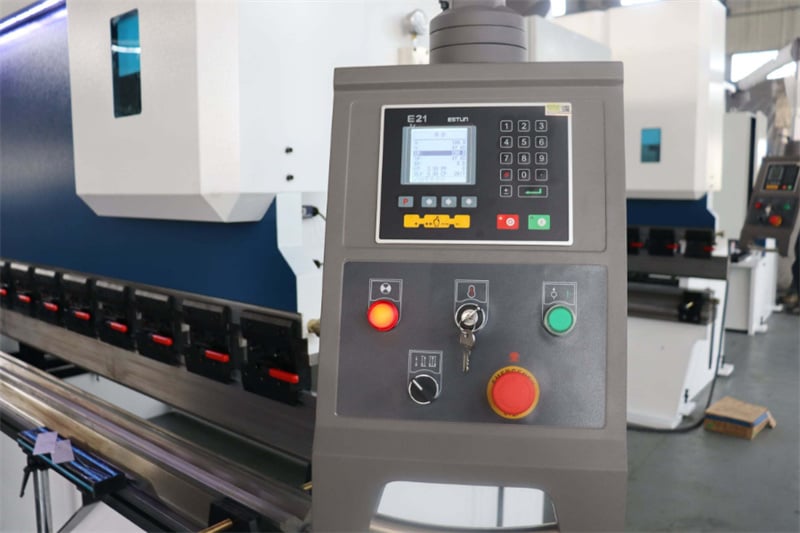
To effectively fix issues with the JUGAO E21 hydraulic press brake, start by checking the controller for error prompts and restoring its default configurations. Next, inspect the hydraulic oil volume to ensure it meets the standard, verify that the hydraulic pump is operating properly, and confirm all electrical wiring connections are tight and secure. Consistent routine maintenance and real-time operational monitoring are key to keeping the equipment running at its best.
Below, we’ll break down the specific troubleshooting procedures for the most common fault of the JUGAO E21 hydraulic press brake.
Troubleshooting Steps for JUGAO E21 Hydraulic Press Brake
A frequent issue encountered when operating the JUGAO E21 controller-equipped hydraulic press brake is that the machine’s ram fails to lower, even after the equipment is powered on and the foot switch is activated. We’ll detail the exact fix for this problem here.
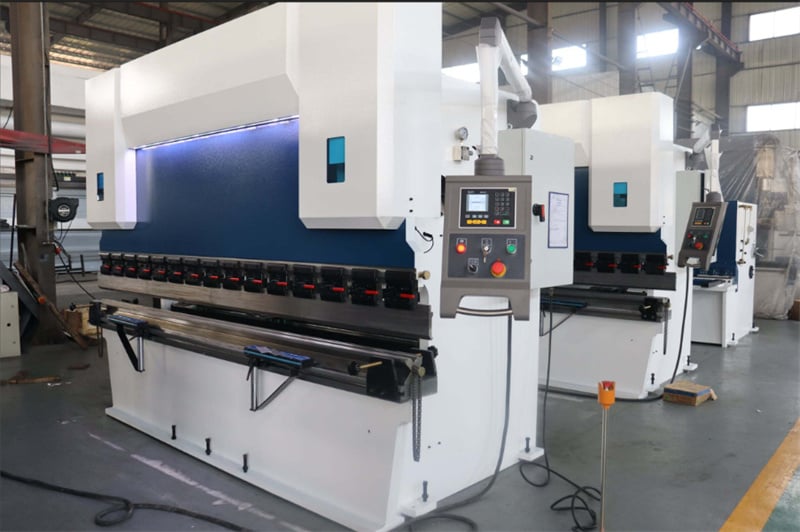
First, check the display interface of the E21 controller: you’ll notice that the actual values of the X and Y axes do not match their set target values (XP and YP respectively). The solution is straightforward—adjust the numerical values of the X and Y axes to align with the preset XP and YP values. Once this setting is completed, press the machine’s start button and step on the foot switch as usual, and the ram will lower and operate in the normal manner.

