





Why Is Laser Cutting Repeat Positioning Inaccurate?
When I work with laser cutting systems, the repeatability of the cut position is one of the questions customers raise most often. Put simply, repeat positioning is how tightly the machine can land back on the same coordinate again and again through repeated cutting passes. Once that accuracy starts to wander, you will see parts that do not line up, size errors, and quality that is not consistent. In this article I walk through the real reasons behind the trouble and how to trace it and put it right, step by step.
What Repeat Positioning Accuracy Means in Practice
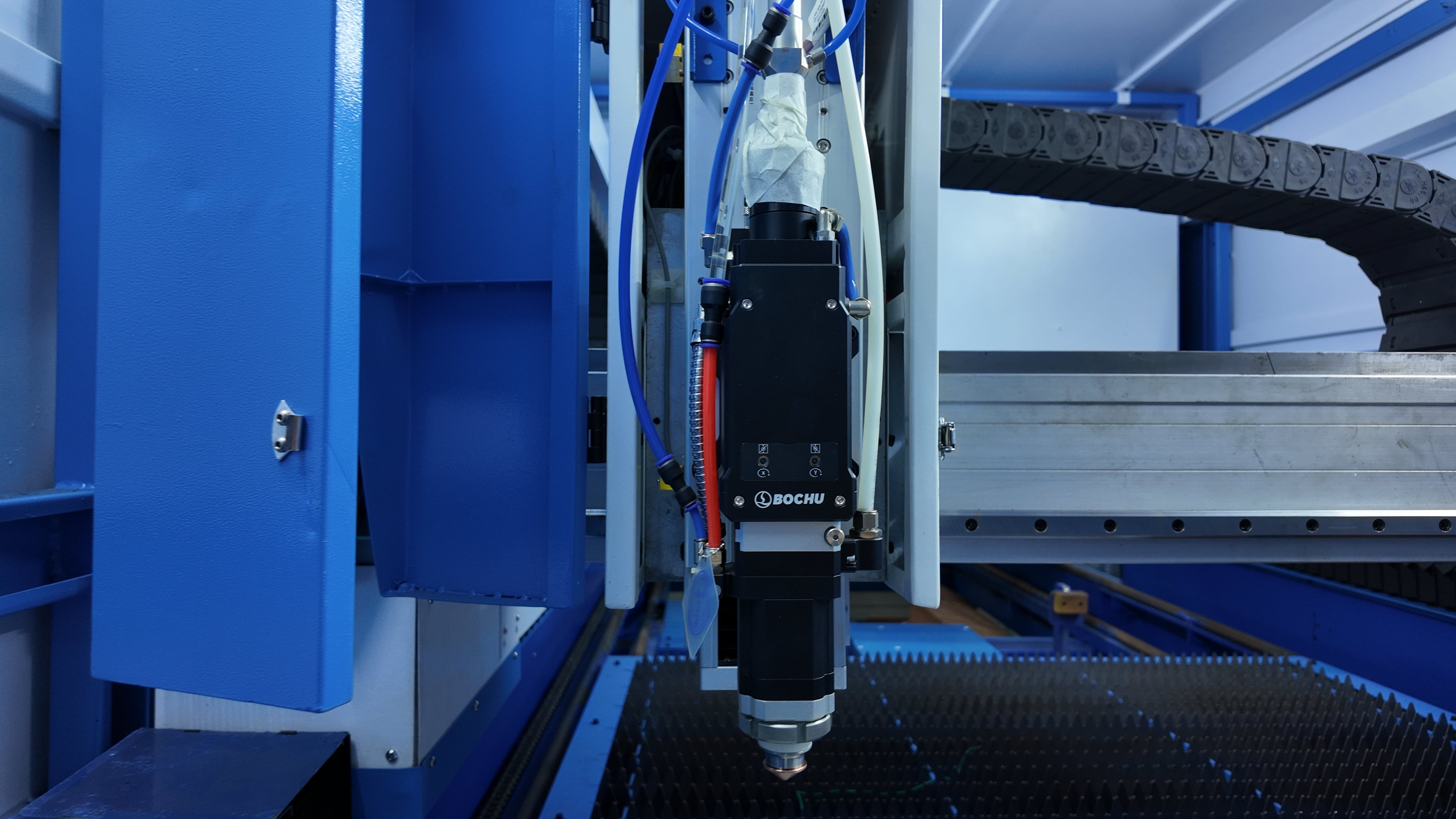
Before any fixing begins, it helps to be clear about what positioning repeatability stands for in daily production. It is the machine's ability to keep returning the cutting head to a set point on the worktable time after time, with only the smallest of deviations.
Even a tiny slip in how precisely the head returns can cause serious trouble in precision fabrication, most of all on parts that must hold tight tolerances. When your machine shows unstable positioning repeatability, the cause is usually a mix of mechanical wear, control-side faults, and the workshop environment, not one single failure.
Mechanical Reasons That Throw Off Repeat Positioning
Linear Guides or Rails That Have Worn
Wear on the linear guide rails is one of the most common culprits behind poor repeat positioning. Once the rails no longer slide smoothly, whether from dust, failed lubrication, or long service, the carriage cannot settle back on the same point. Small but visible errors creep in over repeated cutting cycles.
To sort this out, I always tell operators to check rail cleanliness and lubrication first. In many cases a proper clean and a fresh coat of lubricant can bring a good deal of the positioning stability back.
Backlash or Wear in the Ball Screw
If the machine drives through a ball screw, backlash is another big factor. Over time the mechanical clearance grows, and the system loses its grip on accuracy when it has to reverse direction. This pulls down the positioning repeatability directly, above all at high speed.
Adjusting the ball screw preload, or replacing the unit, can often win the accuracy back.
Problems in the Electrical and Servo Side
Encoder Trouble on the Servo Motor
The encoder on the servo motor handles the feedback loop. If its signal goes unsteady or drifts off, the machine starts to misjudge where it is. That shows up as uneven repeat positioning even when the mechanics are perfectly fine.
I usually advise checking the encoder cables for looseness or interference, since signal noise can easily spoil positioning performance.
Servo Drive Parameters That Do Not Match
Wrong servo settings can also bring repeat positioning errors. If the acceleration, deceleration, or gain values are not tuned to the machine, the system can overshoot or undershoot where it is meant to stop.
In that case, recalibrating the servo parameters to the maker's guidance is the essential move.
The Workshop Environment and How It Is Used
Temperature That Swings Around
Thermal expansion is easy to underestimate. In a shop where the temperature moves a lot, the metal parts swell and shrink by a little. That can eat into the positioning repeatability over long production runs.
Keeping the workshop at a steady temperature cuts this problem down a great deal.
Vibration and the Way the Machine Is Mounted
A machine set on an uneven or shaky base will feel the vibration in its movement accuracy. Even small bumps in the floor can pile up into large positioning errors during nonstop running.
A level, solid foundation is what keeps accuracy alive over the long term.
Control System and Software Faults
The CNC Calibration Drifts
As the years go by, the control system can slip away from its original calibration. The result is positioning commands that the machine carries out incorrectly.
Regular system calibration keeps the positioning repeatability on an even keel.
The File or Program Is Wrong
Sometimes the fault is not in the machine at all but in the cutting program. Coordinates set wrongly or G-code that has gone bad can make the positioning look inaccurate.
I always say to recheck the program data before blaming the mechanics.
How I Diagnose a Repeat Positioning Problem
When I am tracing a positioning repeatability issue, I follow a set order of checks:
First I test the mechanical movement by moving each axis by hand to feel its smoothness. Then I look at the servo alarms and the encoder signals. After that I review the control parameters and finally confirm the conditions in the shop.
This ordered method quickly shows whether the fault lives in the mechanics, the electrics, or the software.
Frequently Asked Questions
What makes repeat positioning accuracy drop all of a sudden?
A sudden loss is usually down to an encoder fault, a loose cable, or an error in the control system. Mechanical wear tends to build up slowly rather than arrive overnight.
How can I raise the repeat positioning accuracy?
Start by lubricating the linear guides properly, check the servo tuning values, and see that the machine sits on a level base that is free of vibration.
Does maintenance change repeat positioning performance?
It does. Keeping the rails clean, checking the backlash, and calibrating the system on a routine basis are what hold accuracy steady over the years.
Conclusion
The repeatability of a laser cutter's positioning rests on the mechanical condition, the servo tuning, the steadiness of the control, and the environment together. From my experience, most cases trace back to wear, calibration that has slipped, or a base that is not stable, rather than one isolated fault.
Keep up the maintenance and keep the system calibrated, and you can lift the positioning accuracy by a clear margin and hold cutting quality steady. If repeat positioning trouble is still bothering you or you need technical help, feel free to contact the JUGAO team for professional guidance and help with the diagnosis.

