





How to troubleshoot power-up issues with a pipe bending machine? Follow this sequence
When a pipe bending machine fails to respond upon pressing the "start" button—especially with a production line waiting—it’s natural to feel anxious. However, panic won’t help; you need to follow a systematic troubleshooting process. In my experience handling such power-up issues, the cause is rarely a major fault; more often, it’s simply a detail that has been overlooked. The following troubleshooting approach—moving from the outside in, and from the simplest to the most complex—will generally help you pinpoint the problem.
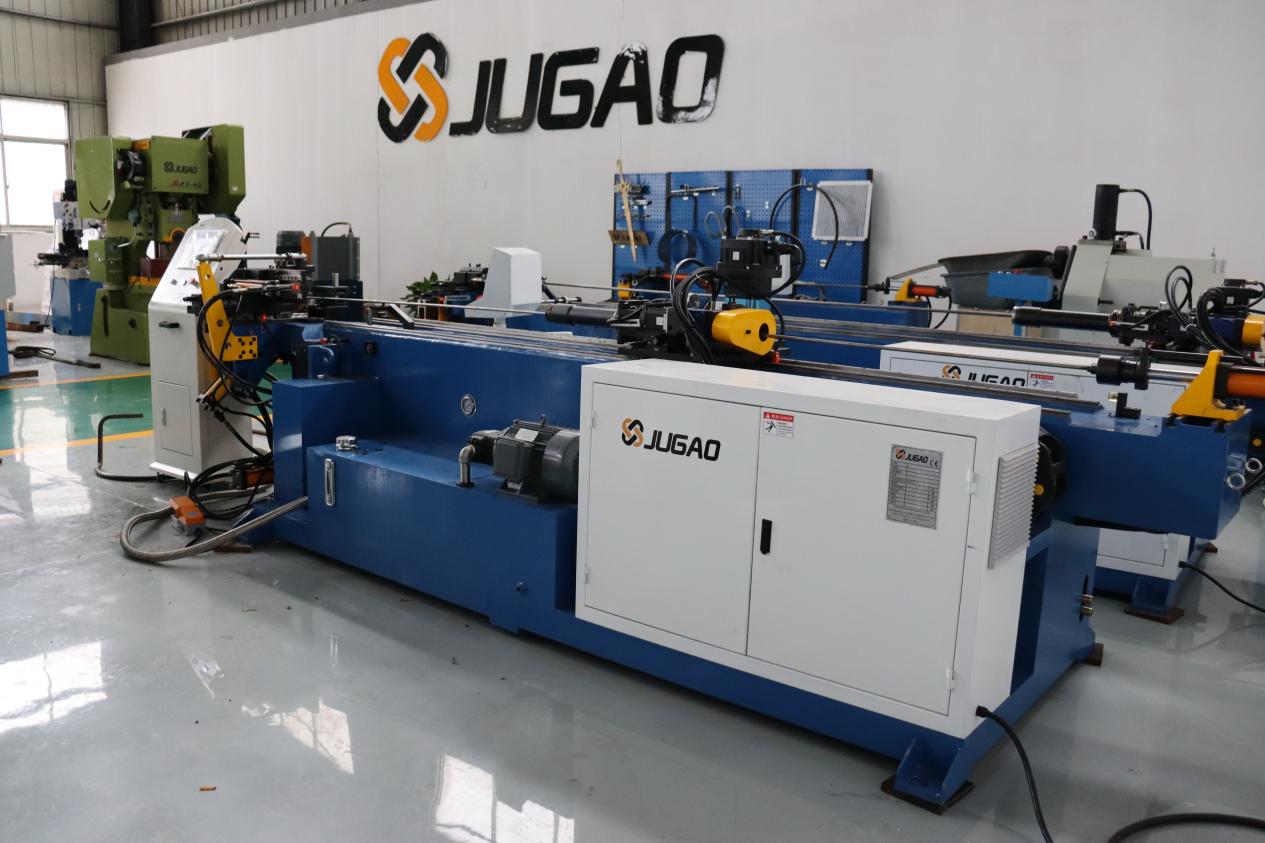
I. Start by checking the main power supply—don’t overcomplicate things.
Is the main switch turned on? Has a circuit breaker tripped? Has a fuse blown? Does the input voltage match the specifications on the machine’s nameplate? If the voltage is unstable or a phase is missing, the machine simply won’t respond.
Also, take a quick look at the cables and plugs. Loose terminals, scorched plugs, or cables damaged (e.g., crushed by a forklift) can all prevent the machine from powering up. This is especially common for equipment that has been relocated, as wiring connections can easily loosen during transport.
II. Emergency stop buttons—if even one hasn’t been reset, the machine won’t start.
Pipe-bending machines often have multiple emergency stop buttons—found on the control panel, handheld pendant, or the door of the electrical cabinet. If any one of them has been pressed, the entire machine will lose power. Walk around the machine and check each one: twist-to-release buttons should be twisted, and pull-to-release buttons should be pulled out.
On some models, simply releasing the emergency stop button isn’t enough; you may also need to confirm the reset on the screen or press a dedicated "reset" button to restore operation.
III. Safety circuits: doors, light curtains, and limit switches.
Modern pipe-bending machines are equipped with safety interlocks. If a protective door isn’t closed properly, a light curtain is obstructed, or a safety switch isn’t correctly positioned, the controller will prevent the machine from starting. Additionally, dust or oil on the surface of a light curtain can cause a false trigger, making the system "think" someone has entered the danger zone.
When checking these safety devices, also verify that their mounting screws are tight. If a safety switch has shifted, the door might be closed, but the signal won’t be triggered—leaving the machine unable to operate.
IV. Check the controller for alarm codes—don’t just guess.
If an alarm code appears on the PLC or CNC screen, note it down and consult the manual. Common issues include low hydraulic oil temperature, communication errors, lost sensor signals, or axis overloads. The machine will not execute a start command until the alarm has been cleared.
Some alarms are interconnected; for example, if the hydraulic oil temperature is too low, a protection mechanism may trigger. In this case, pressing the "start" button won’t work—you must first allow the oil temperature to rise to the required level.
V. Inspect the Electrical Cabinet
Check the electrical cabinet for loose terminals, blown fuses, or tripped circuit breakers. Excessive dust or high humidity can also lead to short circuits or poor electrical contact. While the power is off, use a vacuum cleaner to remove dust; do not use compressed air, as this may force dust into the internal components.
VI. Hydraulic System Startup Conditions
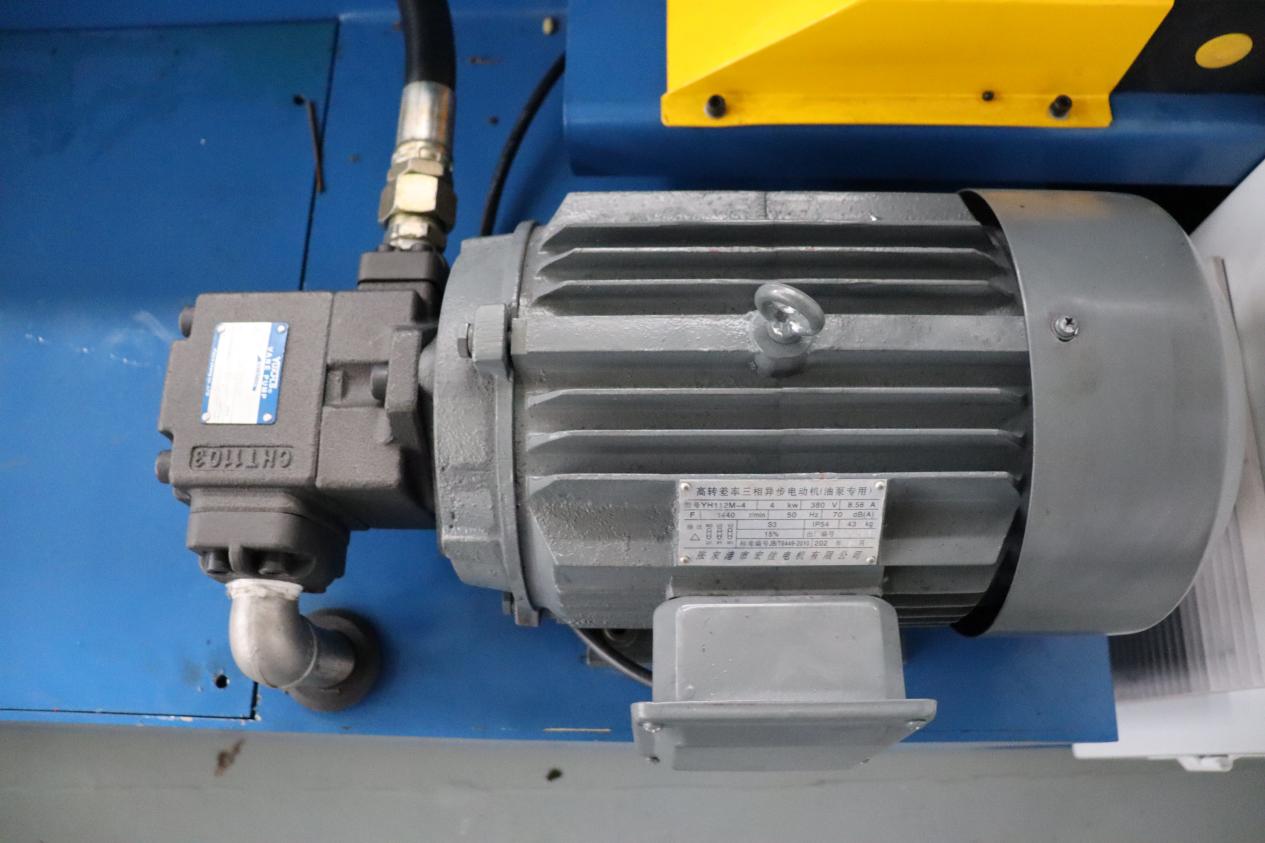
Some pipe-bending machines require the hydraulic pressure to be within a normal range before they can be started. Low oil levels, low oil temperatures, or a failure of the hydraulic pump motor to rotate will trigger protective interlocks. Check the oil level, listen for any unusual noises from the pump motor, and verify that the pressure gauge shows a reading.
In winter, when oil temperatures are low, some machines require a warm-up period before they can be started. This operational logic is typically outlined in the user manual.
VII. Control Panel and Mode Selection
Is the key switch in the "ON" position? Have you selected the correct operating mode—manual, automatic, or jog (inching)? If the wrong mode is selected, the machine will not respond when the start button is pressed. This is a small detail that is easily overlooked, yet it happens quite frequently.
VIII. Safe Restart
Once you have confirmed that everything mentioned above is in order, turn off the main power supply, wait 10 to 15 seconds, and then turn it back on. This will reset the PLC and CNC. Sometimes, the system may simply be frozen; a power cycle is often the most effective solution.
IX. If the Issue Persists, Check the Following
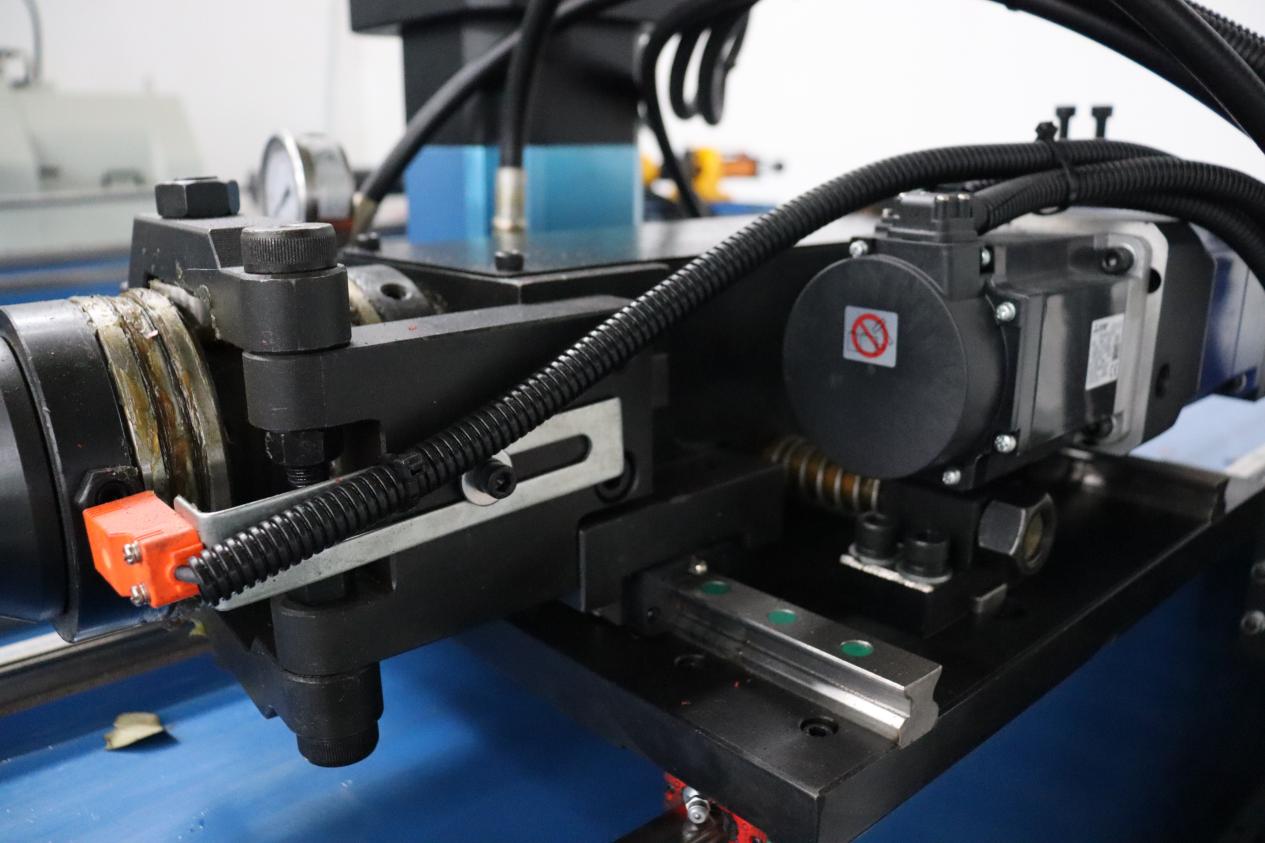
Check if an overload protector or thermal relay has tripped; if so, reset it manually. Loose sensor signal wiring or abnormal encoder feedback can also prevent the system from starting. If the fault appeared after you modified any parameters, try restoring the system using a backup.
If the system still fails to start after these steps, the issue cannot be resolved on-site. Contact the manufacturer’s technical support, and be prepared to provide the specific alarm codes and a clear description of the symptoms.

